Download Memtrove
Version 1.0.0 · October 18, 2026
Install
Install in three steps
- Memtrove-1.0.0.dmg1
Open the DMG
Double-click Memtrove-1.0.0.dmg in your Downloads folder.
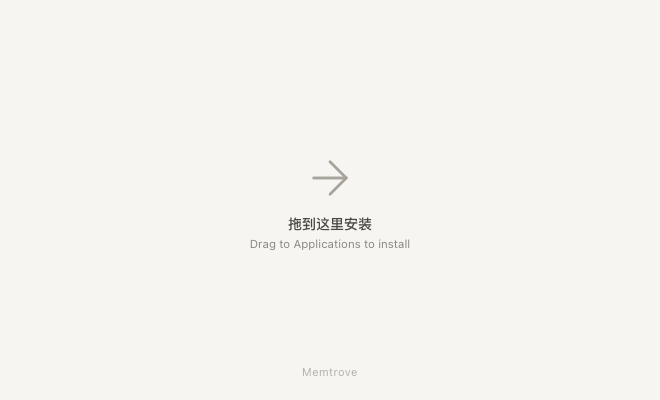
 MemtroveApplications2
Drag to Applications
Drag the Memtrove icon onto the Applications folder, then eject the DMG.
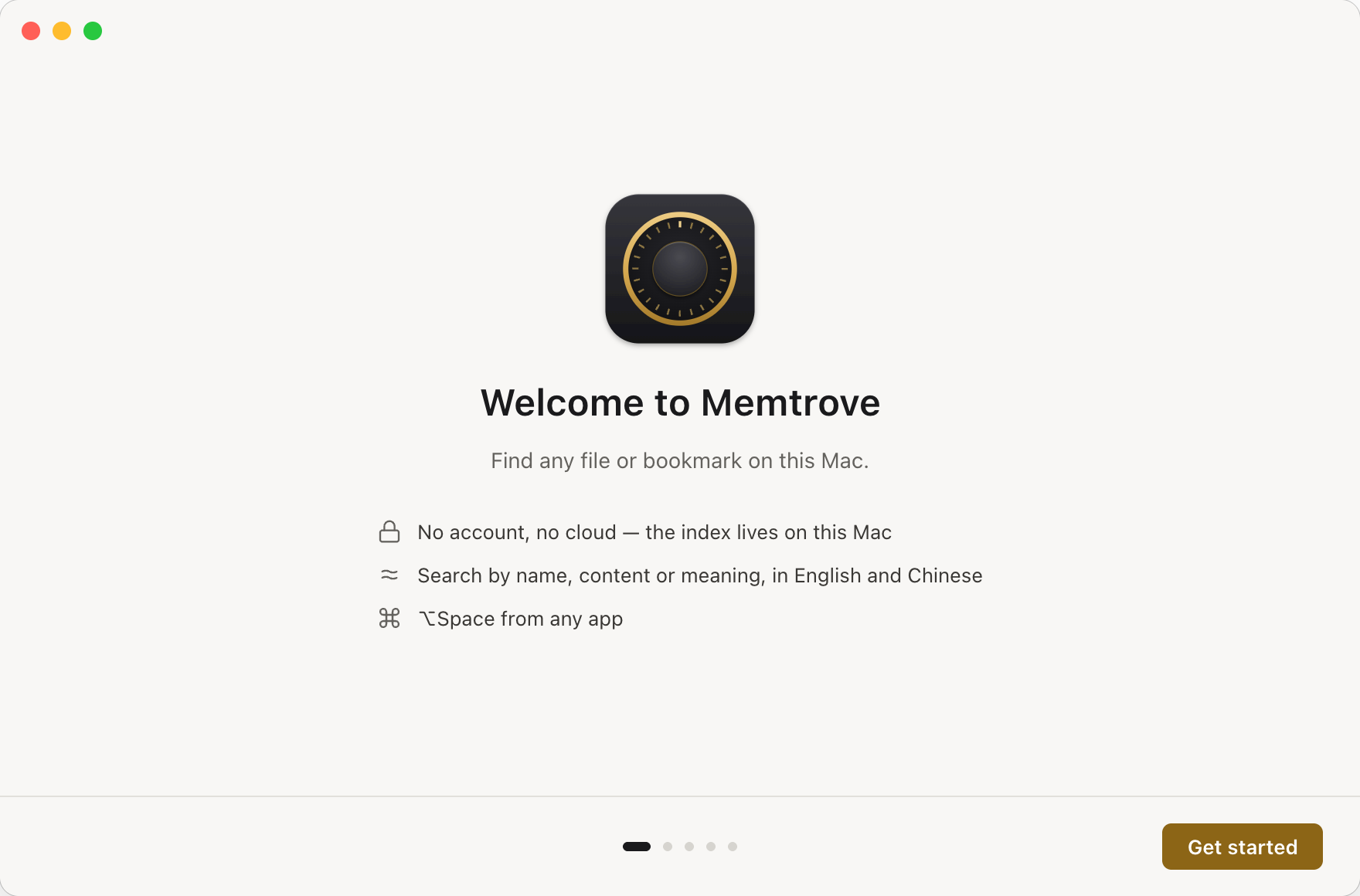
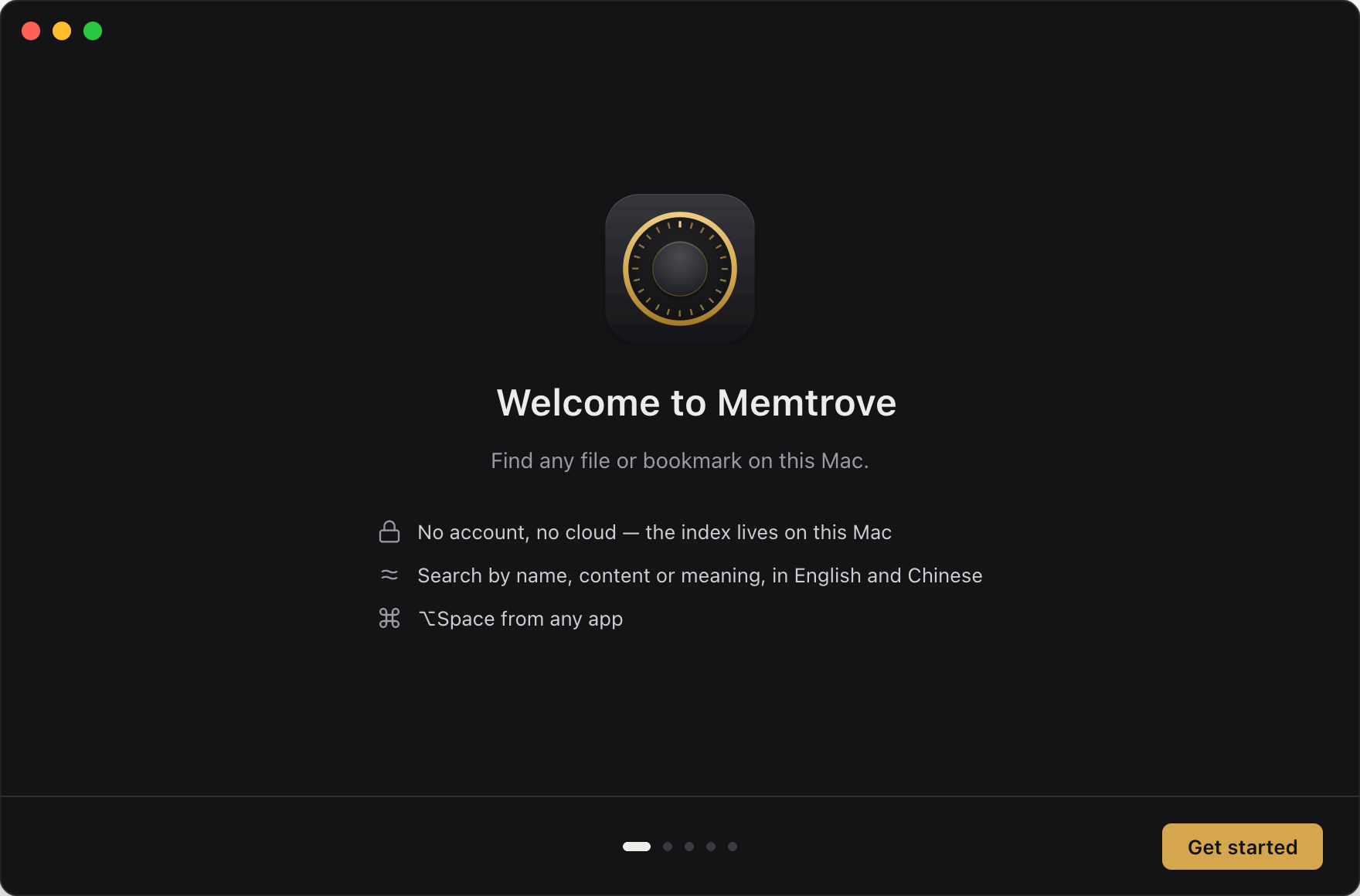 3
3First launch
The setup walks you through Full Disk Access, the meaning model download (about 130 MB, once) and, if you want, connecting Claude.
Changelog
Release notes
1.0.0October 18, 2026Current
First release.
- Search files and bookmarks by name, content or meaning, in English and Chinese
- ⌥ Space quick search from any app
- Timeline, status and folder settings
- Connect Claude Desktop and Claude Code; sensitive folders limit what Claude can see
- Everything stays on your Mac